Contents
Issue:
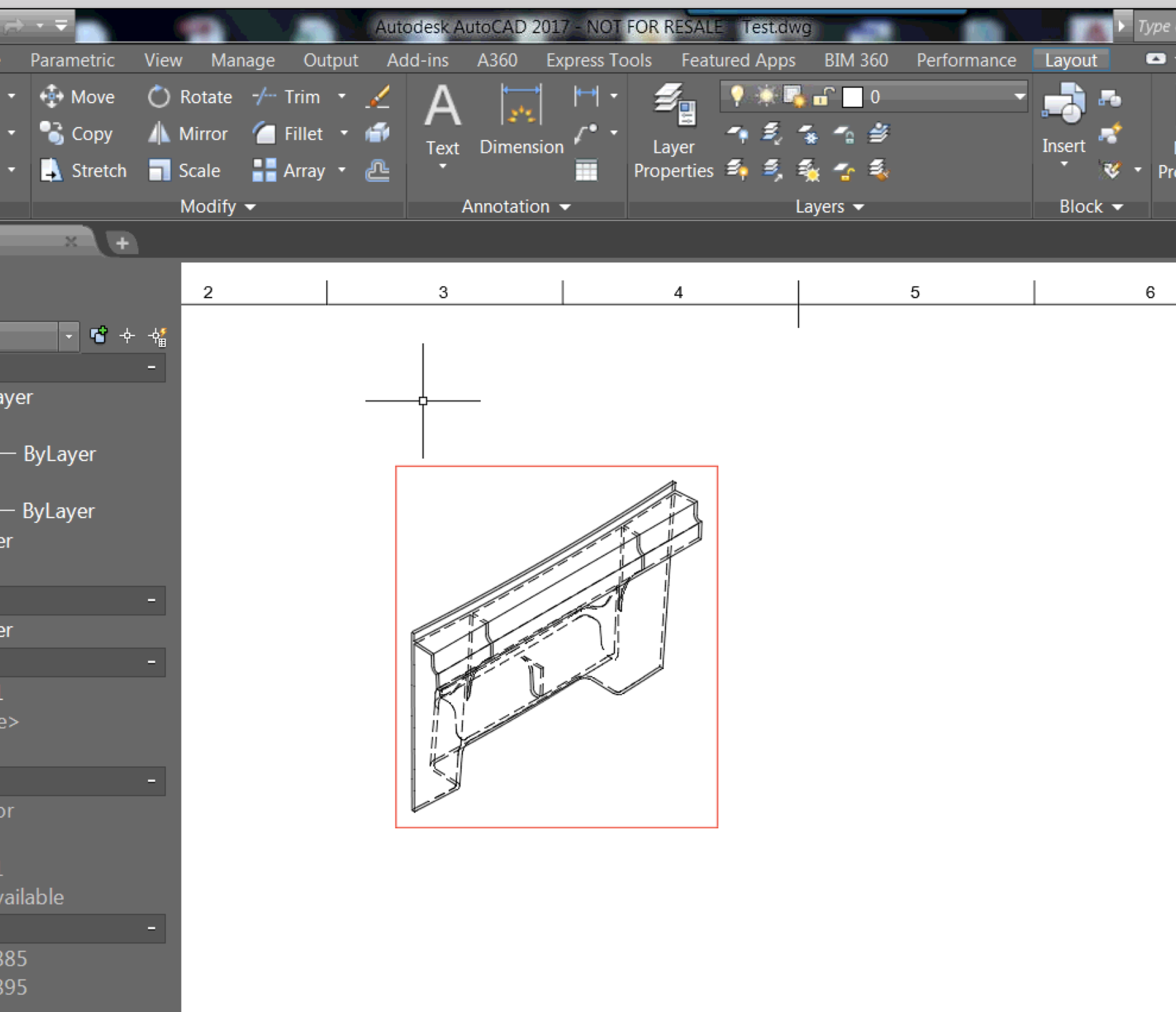
Opening a DWG in AutoCAD that has been exported from Fusion 360, causes the model to have a red box around the view in AutoCAD.
Causes:
This is a known issue when exporting Fusion DWGs because in the output DWG the reference (Fusion design) is not accessible. It means that it is unresolved.
Solution:
By using the EXPORTLAYOUT command, this will export the layout into a new design and fix the issue. This is demonstrated in the Screencast below:
Products:
Versions:
Source: Autodesk