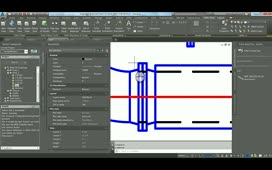
Open a rectangular duct properties and set in options a Certified box. The initial dialog box will no longer appear when this function is enabled.
Source: Autodesk
Open a rectangular duct properties and set in options a Certified box. The initial dialog box will no longer appear when this function is enabled.
Source: Autodesk